← BACK TO PRESENTATION
Enterprise Platform

SM2ARTA
Overview

Event Material Planning & Asset Tracking — built for large-scale sport events, proven at a major international football tournament, evolved for the next.

SM2ARTA is a multiuser, web-based platform accessible from any device connected to the Internet. There is no client software to install, no limit on the number of users, events, venues, or catalogued items, and a learning curve measured in minutes.
https://demo.smmarta.com
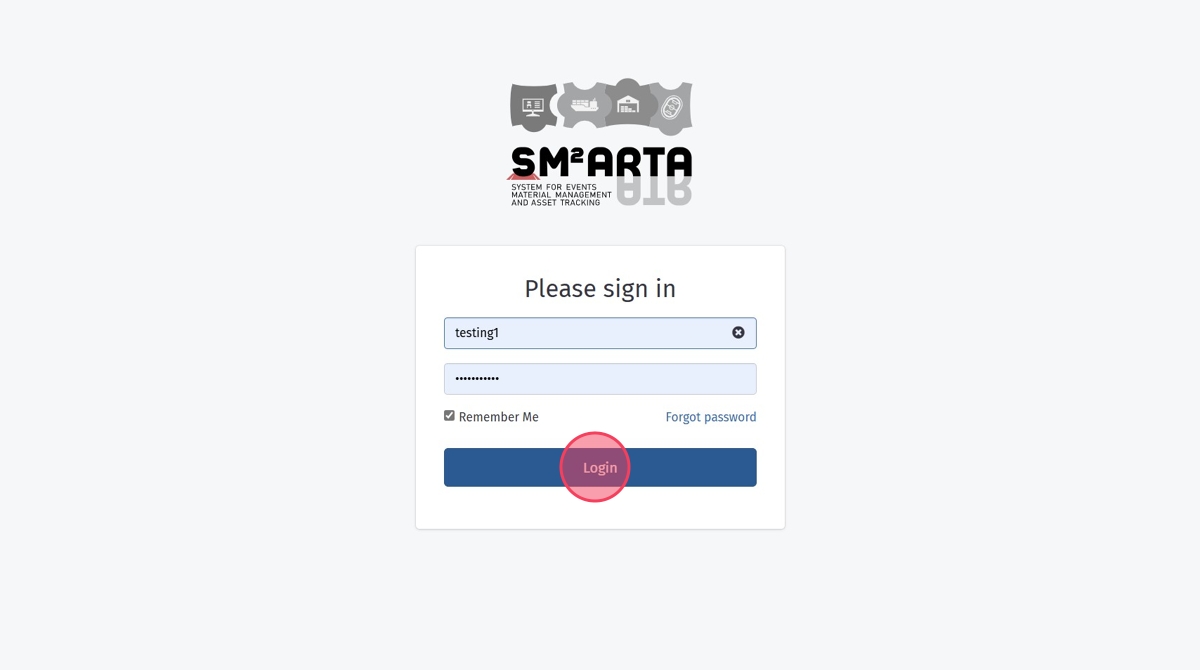
SM2ARTA login / splash
Fig. 01Platform entry point — any device, any browser, zero install
3
Role Interfaces
6+
Years in Production
Users · Events · SKUs

Three Collaborative Roles

Role 01
Material Planning Manager
Administrative control of events, catalogs, users, and settings. Oversees the full planning lifecycle.
Role 02
Functional Material Planner
Streamlined interface for functional teams. As intuitive as online shopping — ready in minutes.
Role 03
Venue Logistics Manager
Bump-in planning, delivery control, real-time inventory, automated paperwork.
Role 01 · Administration

Material Planning Manager

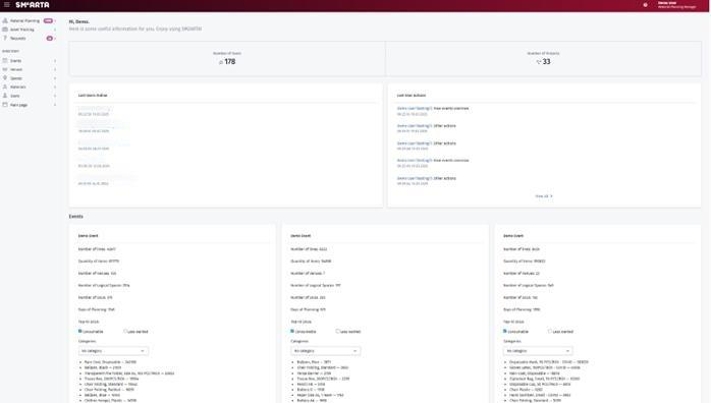
The Material Planning Manager (MPM) interface provides comprehensive administrative access to every SM2ARTA feature. The home dashboard surfaces live system activity and active-event status at a glance.

demo.smmarta.com / manager / dashboard
MPM home dashboard
Fig. 02MPM home dashboard — latest activity and event overview

Directory & Content Creation

Build the system's content through the Directory section: start by adding users, then venues and spaces, then the FF&E catalog — all through one consistent interface, without developer support.

1
Unlimited scale
No restriction on users, events, venues, spaces, or catalog items.
2
Self-serve configuration
Change the data model directly — no tickets, no downtime.
3
Per-event tailoring
Unique Venues, Spaces, and FF&E catalogues for every event.
Directory section
Fig. 03Directory — users, venues, catalog
Beyond FF&E
Need to plan more than furniture, fixtures & equipment? Golf Carts, Sports Equipment, IT hardware, Signage, Consumables — anything you can catalog, SM2ARTA can plan, order, and track.
Role 02 · Planning

Functional Material Planner

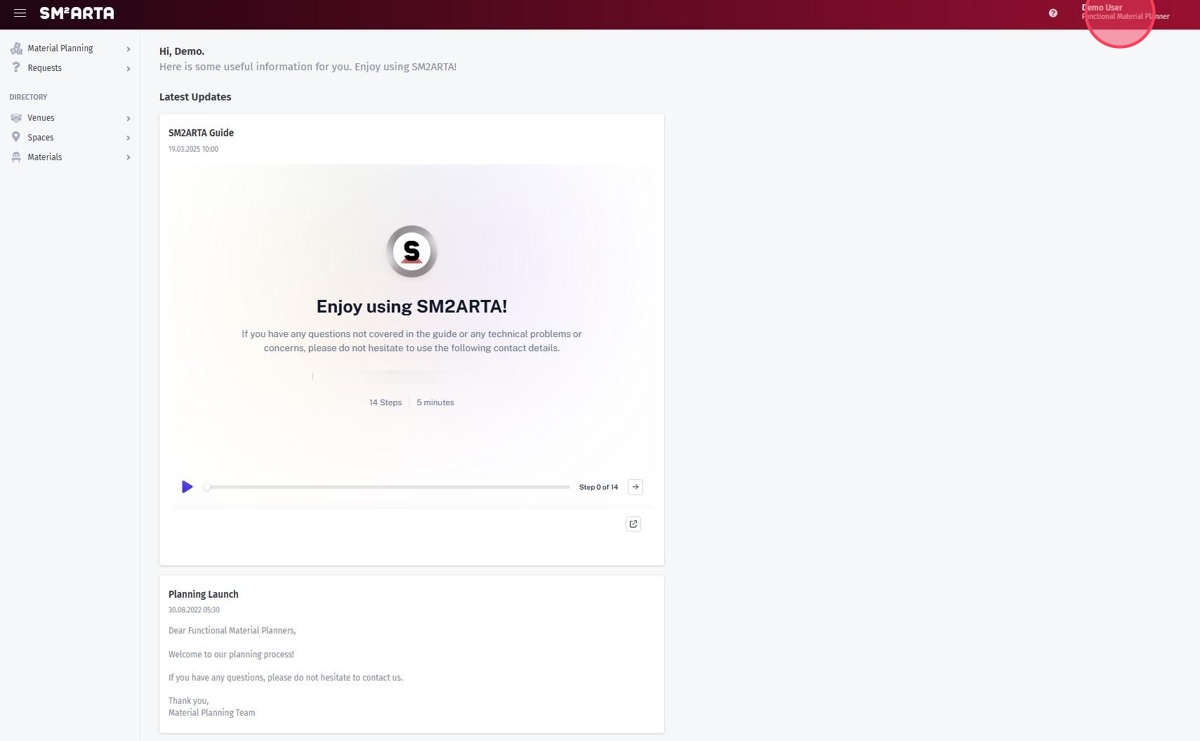
The Functional Material Planner (FMP) interface is simplified and streamlined so teams focus on planning, not on learning software. Embedded guides make onboarding a five-minute exercise.

demo.smmarta.com / planner
FMP interface
Fig. 05FMP home — focused, guided, ready in five minutes

As Easy as Online Shopping

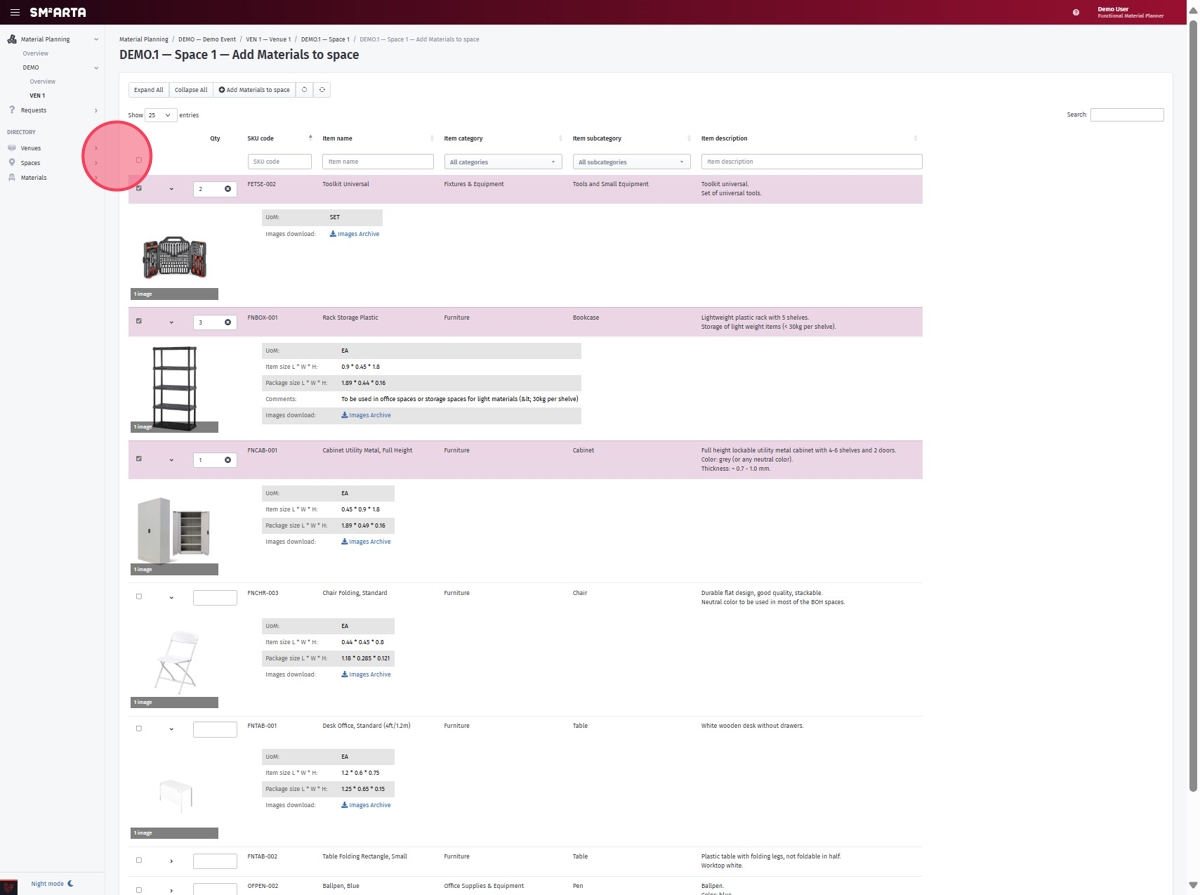
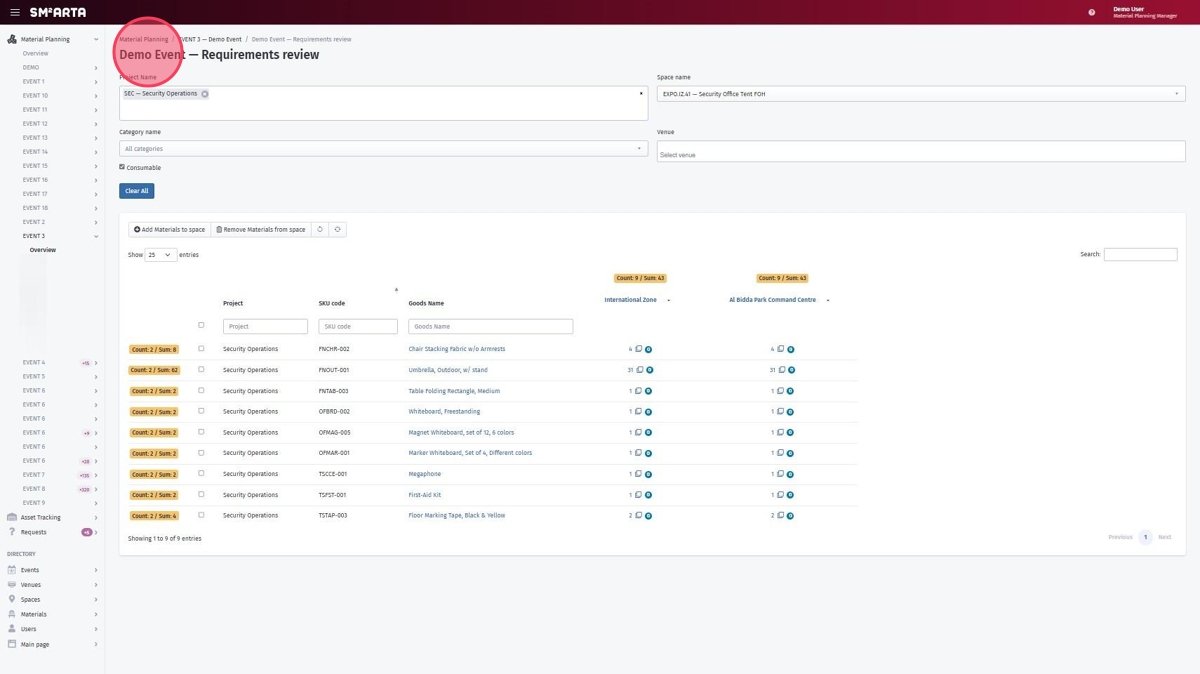
The planning flow mirrors a familiar e-commerce experience. The planner creates the venues and spaces they are responsible for, then populates them with the materials they need — item by item, space by space. Once every functional team has completed their input, the MPM sees the combined, de-duplicated asset list and exports it to Excel for downstream procurement or contractor hand-off. Lists of several thousand lines are routine.

Planning flow — online shopping style
Fig. 06Planning flow

Productivity Tools

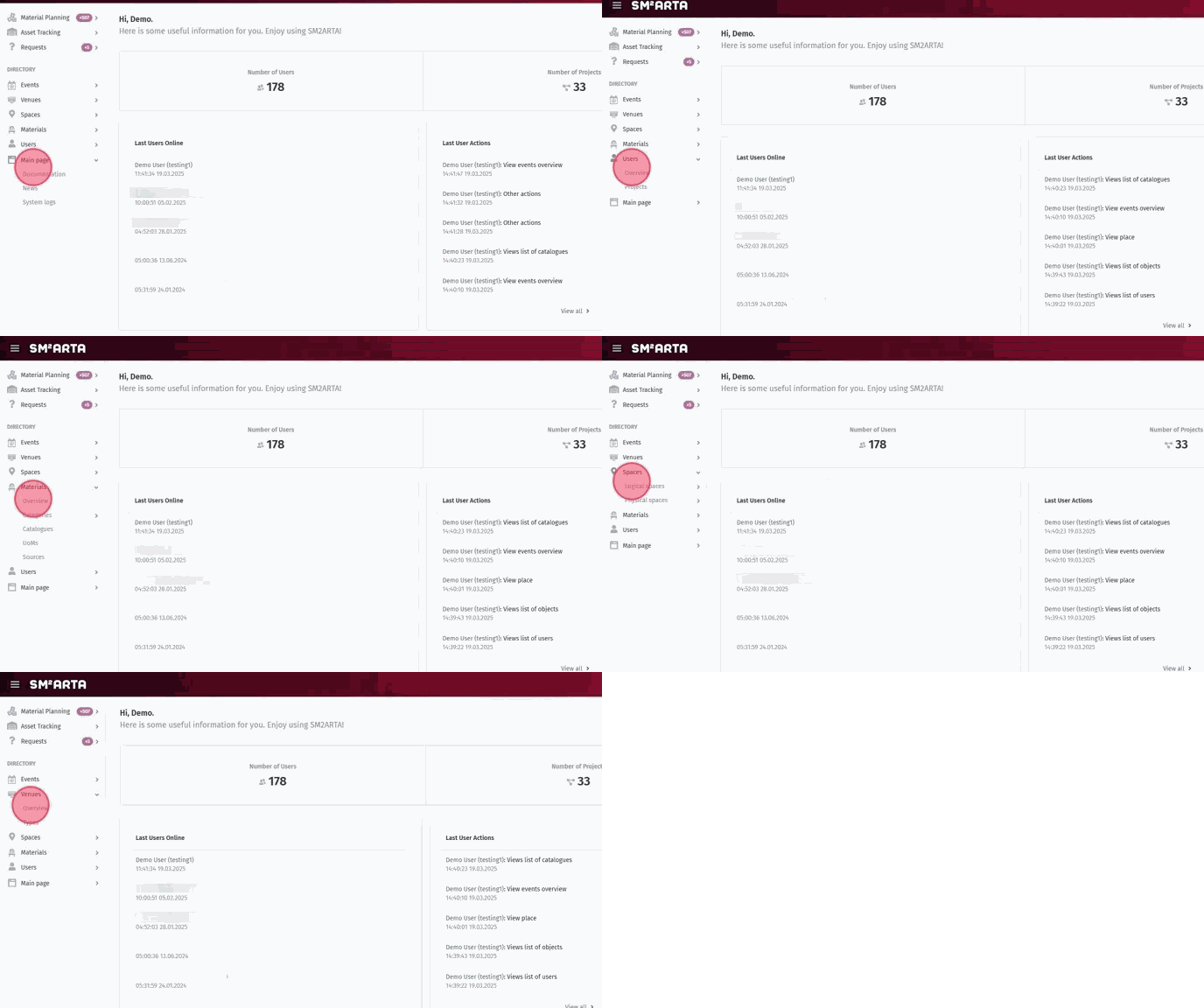
Duplication of spaces and venues
Bulk imports from spreadsheets
Requirement reviews & approvals
Planning freeze (scope lock)
In-line comments & requests
Change history & revision tracking
Productivity toolkit
Fig. 07Productivity toolkit in action
Role 03 · Logistics

Venue Logistics Manager

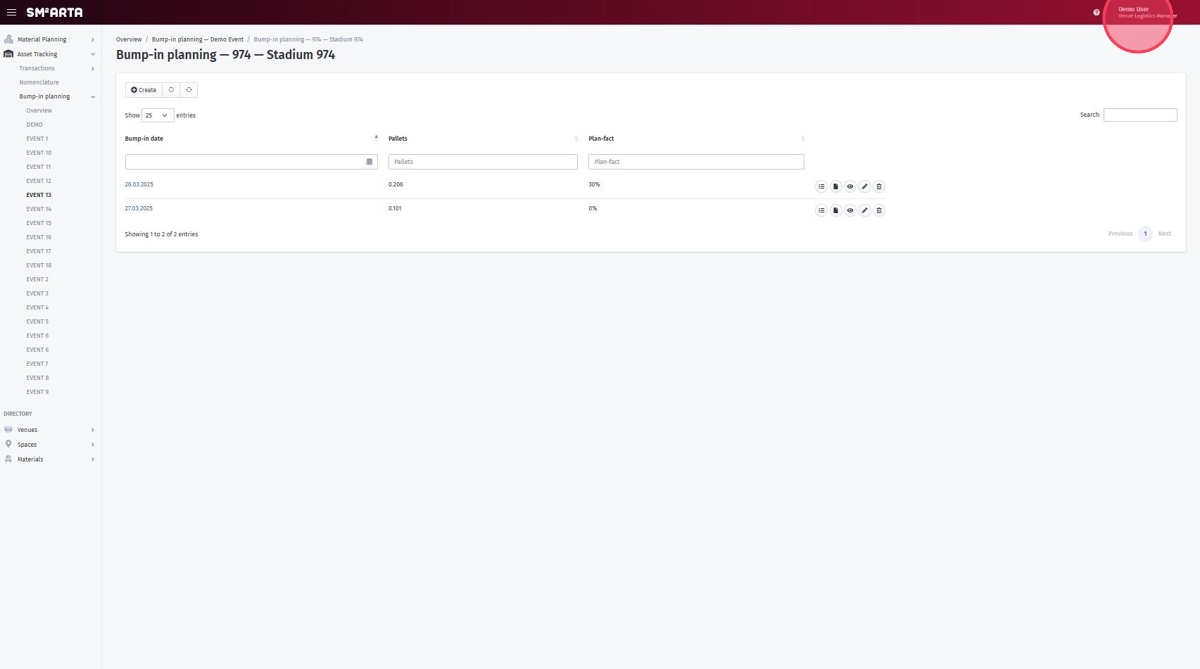
The Venue Logistics Manager (VLM) bridges planning and execution. VLMs monitor the progress of functional planners and create the comprehensive bump-in plans that coordinate delivery, installation, and operational readiness across every venue.

demo.smmarta.com / logistics / bump-in
VLM bump-in interface
Fig. 09VLM bump-in plan builder

Delivery & Inventory Control

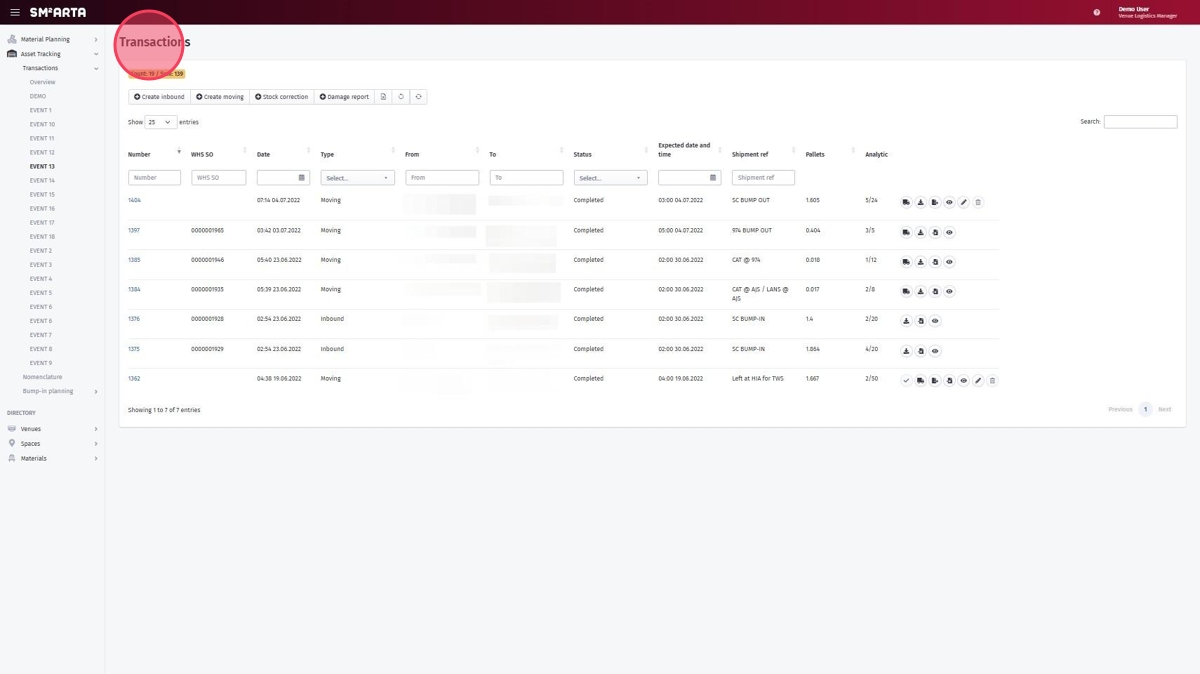
Upcoming deliveries
Fig. 10Upcoming deliveries at a glance
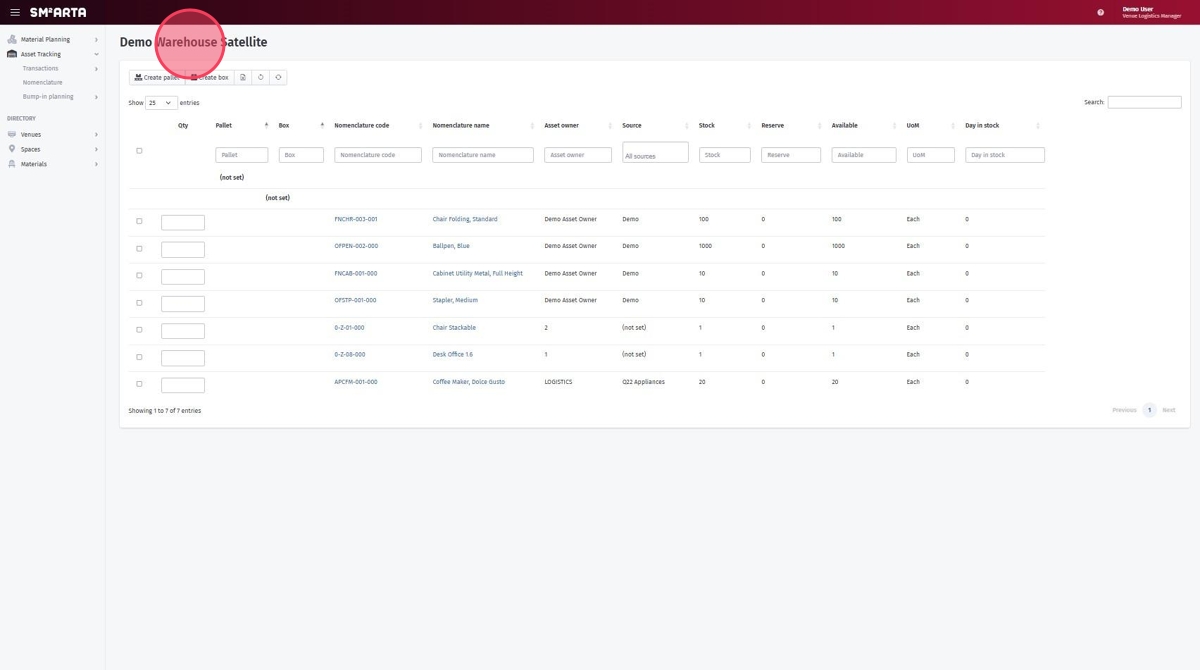
Real-time inventory
Fig. 11Real-time inventory per warehouse & venue

Automated Paperwork

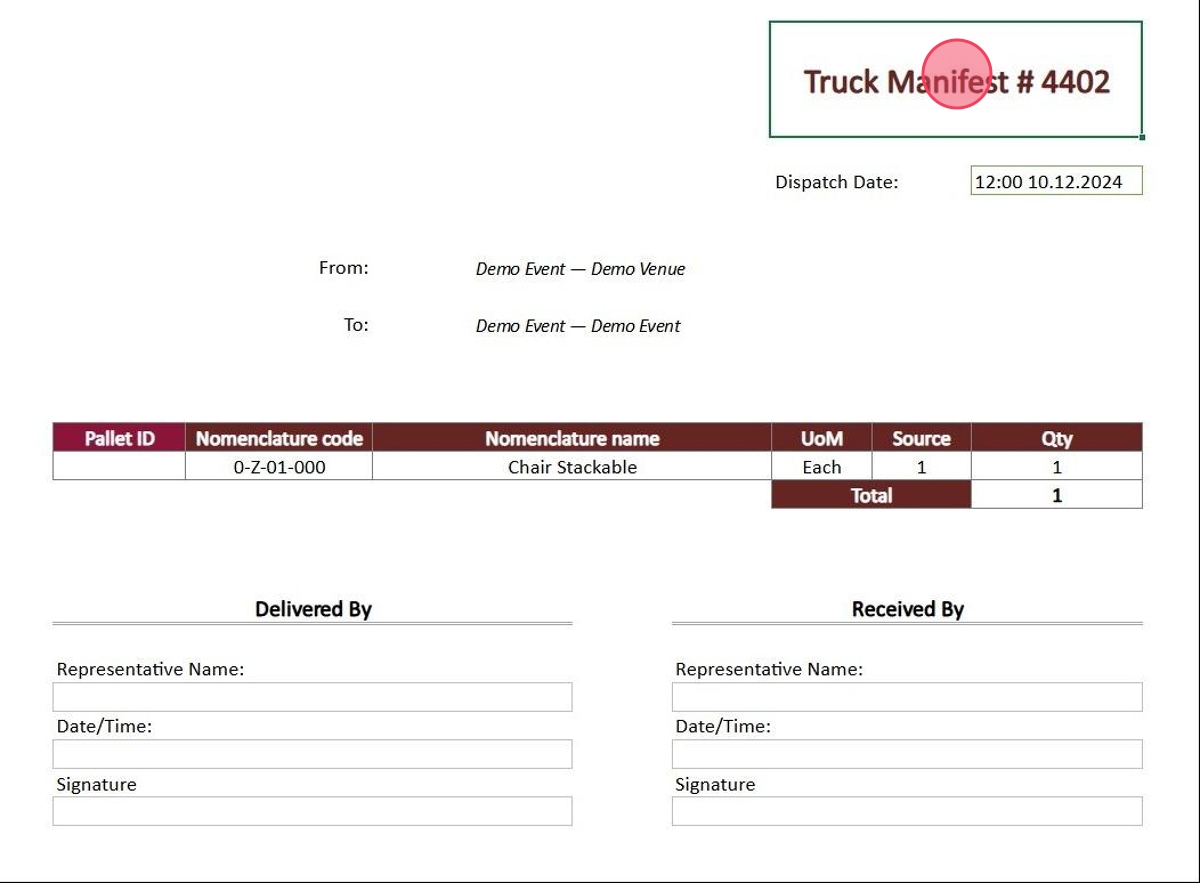
The most-used operational documents — delivery notes, inventory lists, damage reports — generate in seconds from live data, in the correct format, ready to download or share.

Event Inventory Report
Bump-in Reports
Damage Reports
Boxing & Palletisation lists
Auto-generated documents
Fig. 12One-click document generation
New in 2026

Built for the Next Major Events

SM2ARTA has been extended with five major capabilities delivered specifically for the next large-scale sporting events — cross-venue scale, deeper traceability, real-time integrations, and raised security posture.

Enhancement 01
Change Management
Full delta tracking across planning cycles with automatic redistribution to venue clusters. Every revision is auditable; nothing is lost between rounds of planning.
Enhancement 02
Nomenclature System
Warehouse-trackable item registry linking SKUs to operational spaces. A single source of truth for asset lifecycle tracking from catalog to venue and back.
Enhancement 03
BI Integration API
Dedicated WebAPI endpoint per table — secure, real-time data feeds for PowerBI and external analytics stacks. Every operational table is queryable.
Enhancement 04
Enhanced Security
CipherSweet / NaCl field-level encryption, HashiCorp Vault key management, and ClamAV file scanning on every upload. Zero plaintext exposure at rest.
Enhancement 05 · Phase 1 Live
Handover & eRDS Module
Electronic Receipt & Delivery System for structured handover of assets between functional teams and venue logistics. Phase 1 capture is live in production; Phases 2–5 extend the module across reconciliation, returns, damage claims, and post-event disposal reporting.
Summary

Why SM2ARTA

One platform. Three role-tailored interfaces. Zero installation. Proven at major sporting events and extended for 2026 with deeper integrations and enterprise-grade security.

Zero install · any browser, any device
Proven at major sporting events
Unlimited users, events & catalogs
Evolved for the next major events
Three roles, one collaborative platform
Enterprise-grade security & hosting
PowerBI & BI-API integration ready
Automated paperwork & live reporting
Handover / eRDS module (Phase 1 live)
Full audit trail on every change
Excel export / combined list
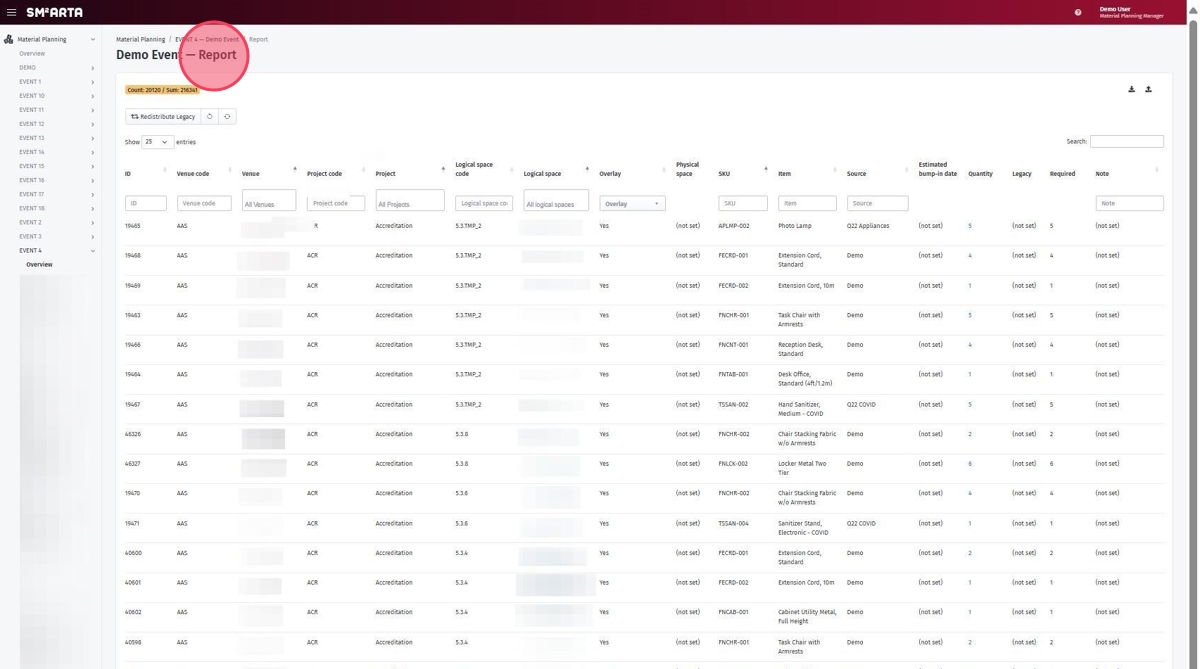
Fig. 14One-click Excel export — combined asset list across all planners
Next Steps
01
Explore the live demo
Log in and walk through every role from one browser session.
02
Book a guided tour
Tailored session on scope, scale, and rollout planning.
03
Scope your deployment
Shared plan for data migration, user training, and go-live.
Walk through the platform live. Multiuser system for Events Material Planning and Asset Tracking.
demo.smmarta.com